Pageful captures the whole page — long scrolling pages, inner scroll areas, and content that loads as you go — in one click. Everything happens on your computer. Nothing is ever uploaded.
Works in Chrome, Edge, and Brave. No sign-up.
Normal "Save as PDF" and stitch-based screenshot extensions grab the visible slice and break on the hard pages. Pageful handles them.
A true paginated PDF with selectable text and clickable links — readable even on very long pages.
The entire page as one tall image, captured the way it actually looks on your screen.
It scrolls the page and inner scroll areas so content that loads as you go is fully captured.
Crop and draw on a capture in a built-in editor, then save or copy — all in your browser.
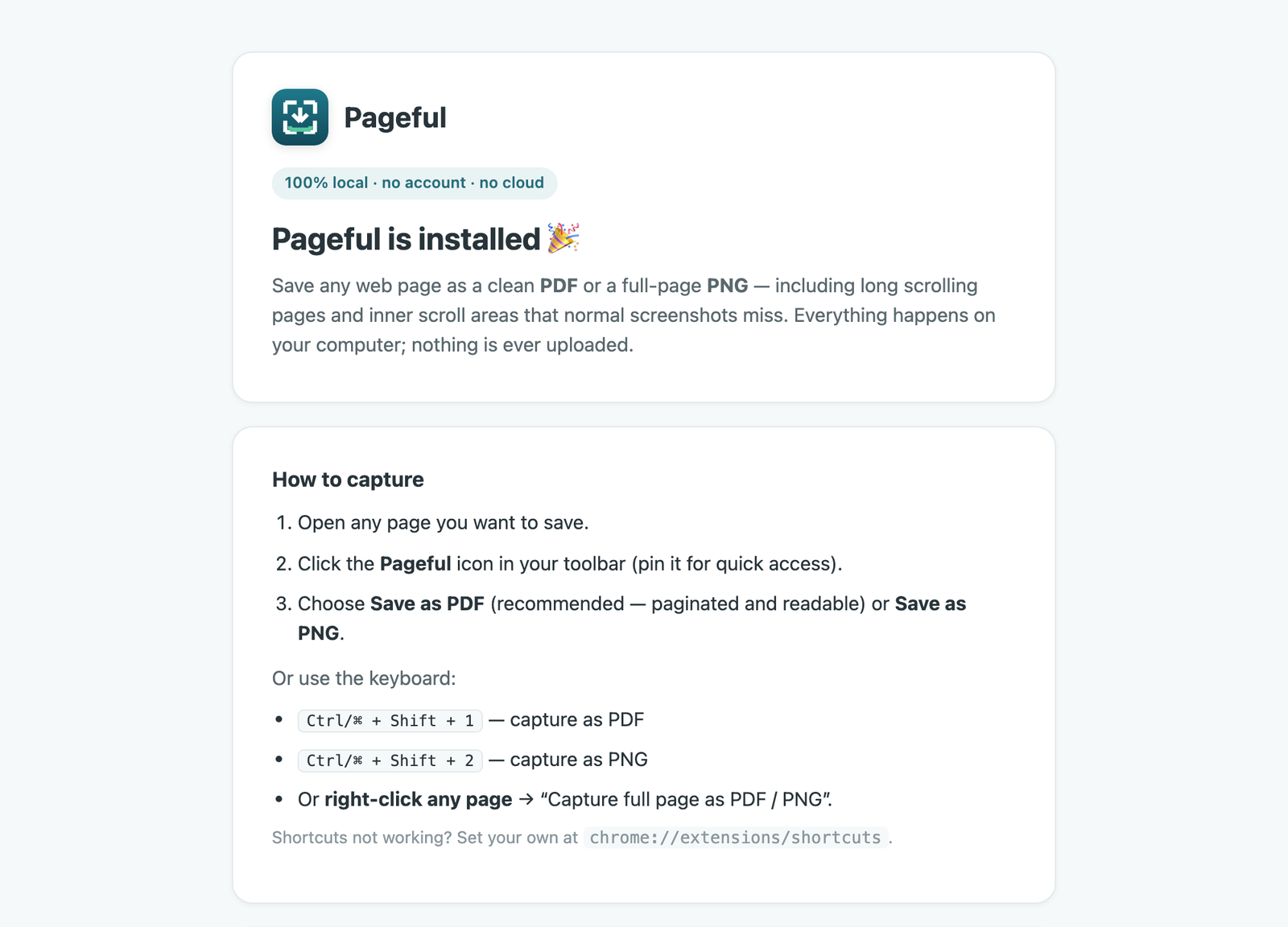
Toolbar button, right-click menu, or a keyboard shortcut. Saves straight to your Downloads.
No account, no servers, no analytics. Your captures and settings never leave your device.
Pageful is the opposite of capture tools that upload your screenshots to their servers. It collects no data and sends nothing anywhere — it acts only on the tab you choose, only when you ask.
Free, local, and yours.
 Pageful